
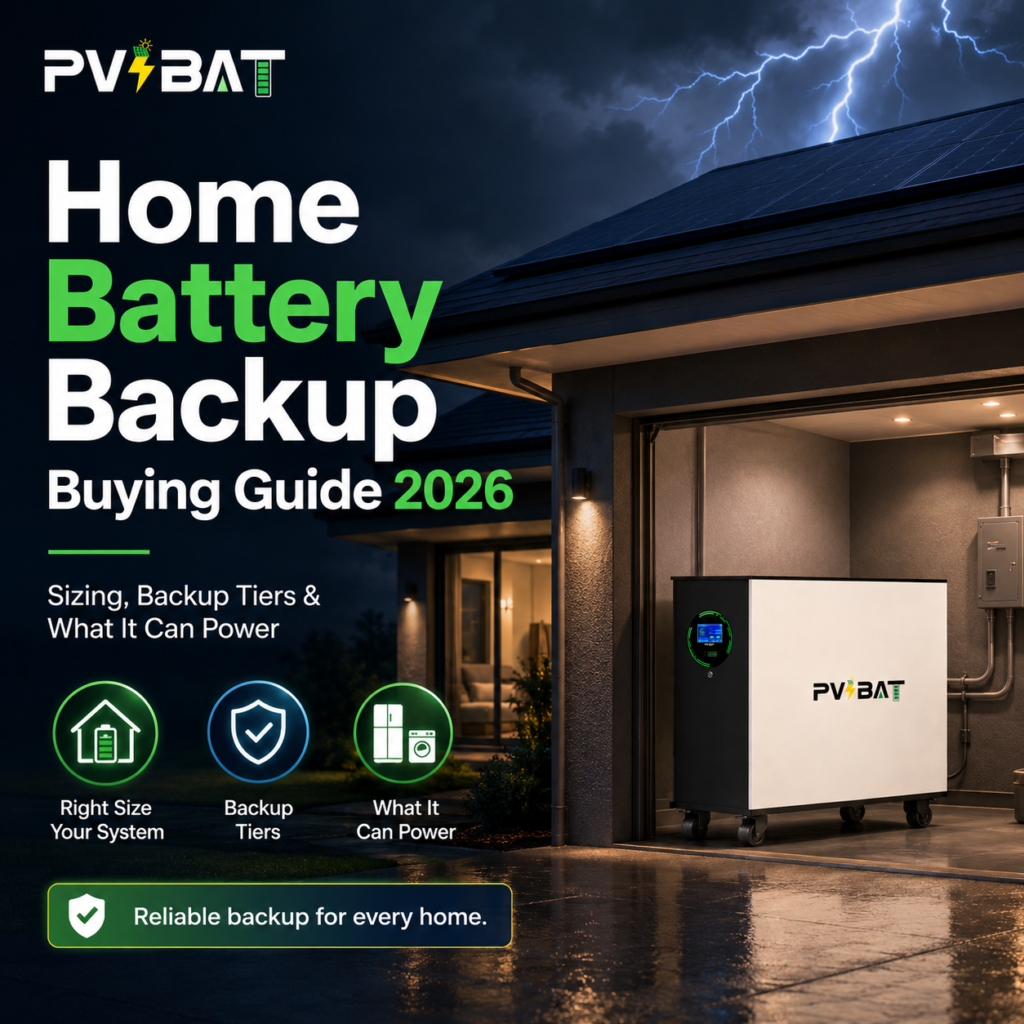
Home Battery Backup Buying Guide 2026: What Size Battery You Actually Need, What It Can Power, and How to Avoid Overbuying
Start With the Three Questions That Actually Matter
A lot of homeowners start the buying process by asking, “Do I need a 10 kWh battery or a 13.5 kWh battery?” That is understandable, but it is usually the wrong place to begin.
Before choosing a battery size, you need to answer three practical questions:
- What do you want to keep running during an outage?
Are you only trying to keep essentials online, or do you want the house to feel close to normal? - Do you already have solar?
If yes, your inverter type matters. It helps determine whether your battery will be an AC-coupled retrofit, a DC-coupled system, or part of a hybrid setup. - What does your utility rate plan look like?
If you are on a Time-of-Use rate plan, your battery may help outside of outages by storing lower-cost energy and using it during expensive peak hours.
The right battery is not always the biggest one. It is the one that matches your home, your loads, your outage goals, and your budget.
kW vs kWh: The Sizing Mistake Most Shoppers Make
Home battery specs can be confusing because two numbers matter at the same time:
kWh = energy capacity
This tells you how much energy the battery can store. Think of it as runtime.
kW = power output
This tells you how much load the battery can handle at once. Think of it as lifting capacity.
A battery can have plenty of stored energy and still shut down if its power output is not strong enough for the loads you are trying to run at the same time. Central air conditioning, well pumps, induction cooktops, and other 240V loads can demand more power than homeowners expect, especially at startup.
A simple way to remember it:
kWh tells you how long it can run. kW tells you what it can run.
Three Practical Backup Tiers
Instead of starting with a random battery size, start by choosing the level of backup you actually want.
Backup Tier | What Usually Stays On | Typical Starting Point* | Best For |
Tier 1: Essentials Backup | Fridge/freezer, Wi-Fi router, selected lights, garage door, a few outlets, gas furnace blower or small fan | About 5–10 usable kWh plus a critical-loads subpanel | Storm and fire outage preparation on a budget |
Tier 2: Comfort Essentials | Everything in Tier 1, plus more kitchen outlets, microwave, and often a window AC, mini-split, or small heat pump | About 10–14 usable kWh | Families who want food, lights, internet, and some heating or cooling |
Tier 3: Whole-Home or Near-Whole-Home Backup | Most or all of the main panel, with load management for heavy appliances | About 20–27+ usable kWh | Homes with central AC, electric heat pumps, well pumps, medical needs, or a “don’t make me think about it” goal |
*These are general starting points. The right system depends on your electrical panel, 240V loads, HVAC equipment, load management, and whether soft-start equipment is needed.
What a Complete Home Battery Quote Should Include
If a proposal only gives you a battery price, it is not a complete quote. You are buying an installed backup system, not just a box on the wall.
A clear quote should show:
- Battery model, usable kWh, continuous kW, chemistry, and warranty terms
- Backup method: critical-loads subpanel, service-entrance gateway, or hybrid system
- Main panel evaluation, including amperage, breaker space, grounding, and feeder sizing
- Exterior disconnects, labels, and required safety equipment
- Permit, inspection, and utility Permission to Operate handling
- Monitoring app setup, firmware updates, and service responsibility
- Whether future expansion is possible without major rework
This is how you compare proposals fairly. Two quotes can look similar at first glance but include very different scopes of work.
Quick FAQ
Can I add a battery to my existing solar system?
Often, yes. Many existing solar systems can add a battery through AC coupling, but it depends on your inverter, main panel, available space, and local utility rules.
Do I need whole-home backup?
Not always. Many homeowners are happier with a well-designed essentials or comfort backup system because it costs less and can run longer during an outage.
Is bigger always better?
No. Oversizing can add cost without improving your real experience. The goal is to size the system around the loads you truly care about.